3D Modeling for Games: Character and Environment Creation Guide
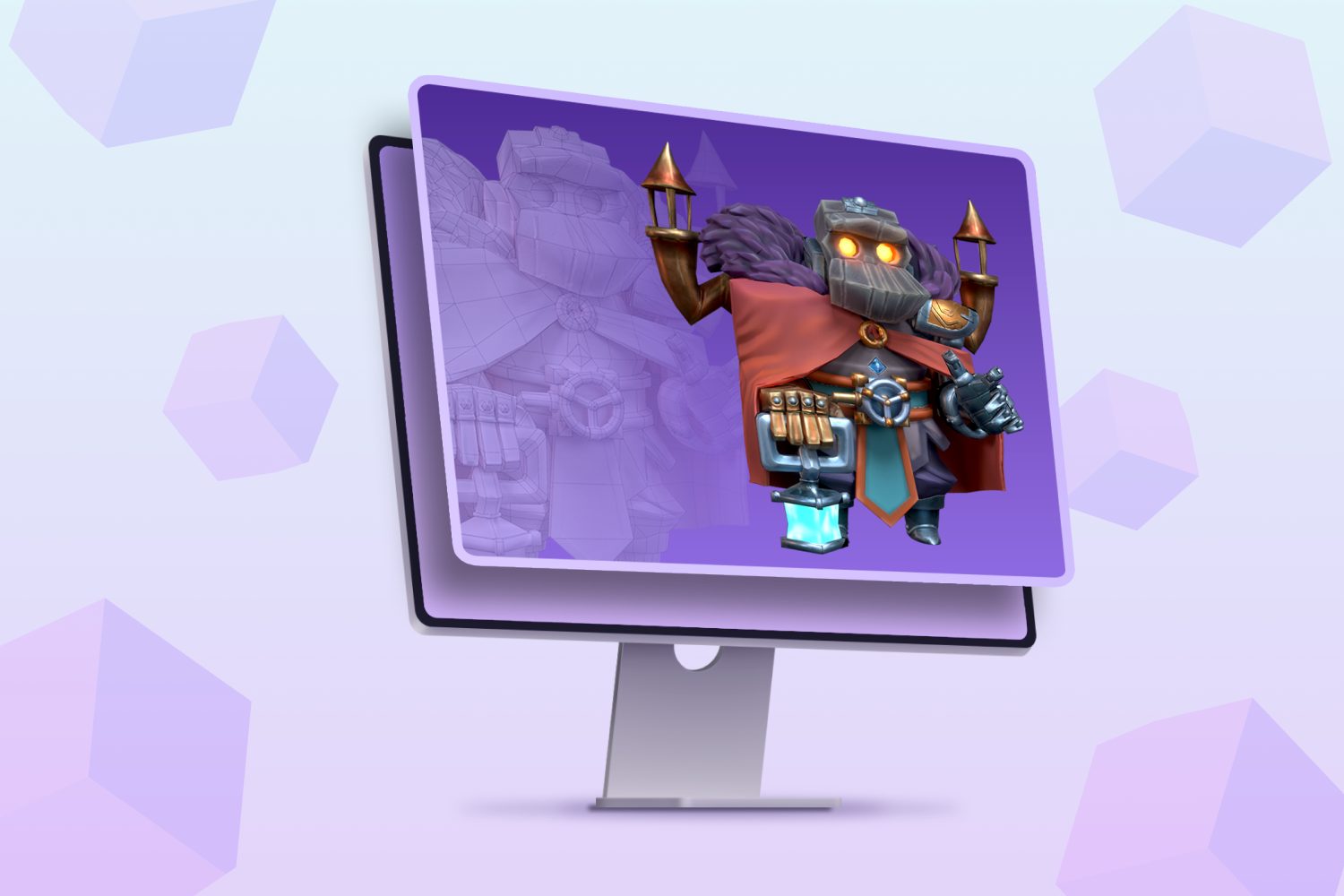
Ever dreamt of crafting the heroes and worlds that players lose themselves in? Imagine breathing life into fantastical creatures or constructing sprawling landscapes that become digital playgrounds. The world of game development is calling, and 3D modeling is your gateway.
The path to becoming a skilled 3D artist for games isn't always smooth sailing. It can feel overwhelming juggling complex software, mastering intricate techniques, and staying current with the ever-evolving industry standards. Many aspiring artists face hurdles in understanding proper topology, efficient texturing, and optimizing models for real-time performance.
This guide is designed for anyone eager to delve into the art of 3D modeling for games. Whether you're a complete beginner with no prior experience or a seasoned artist looking to refine your skills, this comprehensive resource will equip you with the knowledge and techniques necessary to create captivating characters and immersive environments.
In this guide, we will explore the fundamentals of 3D modeling, covering essential software, core techniques like sculpting, retopology, and UV unwrapping, and best practices for creating game-ready assets. We'll delve into character creation, focusing on anatomy, clothing, and facial expressions. We'll also explore environment design, teaching you how to build realistic landscapes, architectural structures, and compelling props. Expect to learn about texturing, lighting, and optimization techniques crucial for achieving high-quality visuals within game engine constraints. Get ready to unlock your creative potential and bring your game development visions to life!
Understanding 3D Modeling Software
The right software can be your best friend on this 3D adventure. I remember when I first started, I was so intimidated by the interfaces of some of the popular programs. They seemed like the dashboards of spaceships! But after some experimentation, I found one that clicked with my learning style. It made all the difference. This is a journey, and you may need to try a few. When choosing your software, consider factors like your budget, the types of models you want to create, and the level of control you require. Blender is a powerful, free, and open-source option that's become an industry favorite. Maya and 3ds Max are industry standards, offering extensive features but come with a subscription cost. ZBrush is exceptional for sculpting high-resolution details. Each has its strengths, so research which aligns with your goals. Understanding the interface is key; tutorials and online communities can be invaluable resources. Experiment with different tools and workflows to find what suits you best. Don't be afraid to make mistakes; they're part of the learning process. The goal is to become comfortable navigating the software and using it as a tool to bring your artistic visions to life. Learning the foundations will save time in the long run. So focus on the basics and start there.
Character Creation: From Concept to Model
Character creation is where artistry truly shines. It's the process of transforming a concept into a tangible 3D representation of a character. This involves not only sculpting the physical form but also imbuing it with personality and emotion. The process starts with a strong concept. Sketches, reference images, and detailed descriptions are crucial for visualizing the character. Next comes the sculpting phase, where the basic form is blocked out, followed by adding details like muscles, wrinkles, and clothing. Retopology is then used to create a clean, optimized mesh suitable for animation. UV unwrapping allows you to apply textures to the model. Texturing involves painting surfaces with color, patterns, and surface details. Rigging and skinning are then used to create a skeleton and bind it to the model, enabling animation. Finally, the model is exported to a game engine for integration. The tools you use, your imagination, and patience are your greatest allies in character creation.
Environment Design: Building Immersive Worlds
There’s something incredibly satisfying about crafting an entire world for players to explore. It's like being an architect and a landscaper all rolled into one! Environment design is the art of creating believable and engaging virtual spaces. It goes beyond simply placing objects; it's about crafting atmosphere, guiding player attention, and telling stories through the environment. It begins with a clear vision and a plan. Start by sketching out the overall layout of the environment. Consider the terrain, architecture, and key landmarks. Use reference images to inspire your design and maintain realism. Once the layout is established, begin blocking out the environment with basic shapes. Next, add details like textures, vegetation, and props. Pay attention to lighting and color to create the desired mood. Finally, optimize the environment for performance, ensuring it runs smoothly on target hardware. Good environment design is about striking a balance between visual appeal and technical efficiency. Learning from real-world architecture and nature is key to achieving this.
Texturing and Materials: Adding Realism
Textures and materials are what truly bring your 3D models to life. They're the surface details that make a metal object look shiny, a rock appear rough, and a character's skin feel believable. Texturing involves creating images that define the color, surface properties, and reflectivity of a model. Common texture maps include albedo (color), normal (surface detail), roughness (surface smoothness), and metallic (metalness). Materials are collections of textures and settings that define how a surface interacts with light. They determine how shiny, rough, or transparent an object appears. Substance Painter is a powerful texturing tool that allows you to paint directly onto 3D models, creating realistic wear and tear. Understanding different material properties and how they interact with light is crucial for achieving realistic results. Experiment with different textures and settings to see how they affect the look of your models. Remember, subtle details can make a big difference in the overall realism.
Optimization for Games
Optimization is the unsung hero of game development. It ensures that your beautiful 3D models don't bog down the game's performance. Games need to run smoothly, and that means keeping the polygon count, texture sizes, and material complexity within reasonable limits. Polygon count refers to the number of faces in a 3D model. The more polygons, the more processing power is required to render the model. Texture size refers to the resolution of the texture maps. Large textures can consume a lot of memory and slow down rendering. Material complexity refers to the number of calculations required to render a material. Complex materials can be performance-intensive. The process involves reducing the polygon count of models, using smaller textures, and simplifying materials. Techniques like LOD (Level of Detail) allow you to use lower-resolution versions of models when they're far away from the camera. Always keep performance in mind as you create your 3D models, as games need to run smoothly.
Lighting and Rendering Techniques
Lighting and rendering are like the final brushstrokes in a painting. They're what bring your 3D models to life and create the desired mood and atmosphere. Lighting involves strategically placing light sources in your scene to illuminate your models and create shadows. Different types of lights, such as directional lights, point lights, and spotlights, have different effects. Rendering is the process of generating an image from your 3D scene. Different rendering techniques, such as real-time rendering and offline rendering, offer different levels of quality and performance. Real-time rendering is used in games to create images quickly, while offline rendering is used for cinematic quality visuals. Experiment with different lighting and rendering settings to achieve the desired look. Understanding how light interacts with surfaces is key to creating realistic and visually appealing images. Games use real-time rendering, while cinematic movies use offline rendering.
Creating Game-Ready Assets
Creating game-ready assets involves preparing your 3D models for use in a game engine. This includes optimizing the model, creating LODs (Level of Detail), and exporting it in a compatible format. Optimization involves reducing the polygon count of the model and simplifying materials to improve performance. LODs are lower-resolution versions of the model that are used when the model is far away from the camera. This helps to reduce the rendering workload. The model should be exported in a format that is compatible with the target game engine, such as FBX or OBJ. The tools you use and your optimization skills are the key to your success. The end goal is to produce assets that look great and perform well in the game.
Fun Facts about 3D Modeling in Games
Did you know that the earliest 3D games used incredibly low polygon counts due to hardware limitations? It's amazing to see how far we've come! One of the first games to utilize 3D graphics was "Maze War" in 1974. Now, we can create incredibly detailed characters and environments with millions of polygons. Motion capture technology has revolutionized character animation, allowing developers to capture realistic movements from actors. 3D scanning technology is also gaining popularity, allowing developers to quickly create accurate 3D models of real-world objects. The game industry is always pushing the boundaries of what's possible with 3D modeling, and it's exciting to see what the future holds. Today, many games use motion capture to capture realistic movement. It is fun to see what is possible with 3D modeling.
How to Learn 3D Modeling for Games
The best way to learn 3D modeling for games is to dive in and start creating! There are countless online resources available, including tutorials, courses, and communities. Start with the basics, such as learning the fundamentals of 3D modeling software and core techniques like sculpting and retopology. Focus on one area at a time, such as character creation or environment design. Practice regularly and don't be afraid to experiment. Join online communities and forums to get feedback on your work and learn from other artists. Build a portfolio of your best work to showcase your skills to potential employers. The journey of learning 3D modeling is continuous. Focus on the basics and practice is key.
What if 3D Modeling Didn't Exist in Games?
Imagine a world without 3D modeling in games. Games would look vastly different. Instead of immersive 3D environments and realistic characters, we'd be stuck with 2D sprites and tile-based worlds. Games would lack the depth and visual fidelity that we've come to expect. Storytelling would be limited, and character expression would be severely constrained. The gaming industry would be unrecognizable without the advancements in 3D modeling technology. So if 3D modeling didn't exist in games, games would be vastly different.
Top 5 Tools for 3D Modeling in Games
Here's a quick list of some of the top tools used in 3D modeling for games:
1.Blender: A free and open-source powerhouse that's become an industry favorite.
2.Autodesk Maya: An industry-standard with a comprehensive set of features.
3.Autodesk 3ds Max: Another industry mainstay, known for its versatility.
4.ZBrush: The go-to tool for high-resolution sculpting and detailed modeling.
5.Substance Painter: Essential for creating realistic textures and materials.
This is a list of some of the top tools used in 3D modeling for games.
Question and Answer Section
Here are some frequently asked questions about 3D modeling for games:
Q: What software should I use for 3D modeling?
A: Blender is a great free option to start with. If you're serious about pursuing a career in the industry, Maya or 3ds Max are worth considering.
Q: How long does it take to become proficient in 3D modeling?
A: It depends on your dedication and learning style, but expect to spend several months to a year to become proficient.
Q: What are the key skills for a 3D modeler in the game industry?
A: Strong artistic skills, knowledge of anatomy and form, proficiency in 3D modeling software, understanding of game engine requirements, and the ability to optimize models for performance.
Q: How important is a portfolio for landing a job as a 3D modeler?
A: A portfolio is absolutely essential. It's the best way to showcase your skills and demonstrate your ability to create high-quality assets.
Conclusion of 3D Modeling for Games: Character and Environment Creation Guide
Embarking on the journey of 3D modeling for games opens up a world of creative possibilities. From crafting compelling characters to building immersive environments, the skills you acquire will be invaluable in the ever-evolving game development landscape. Remember to choose the right tools, master core techniques, and never stop learning. With dedication and practice, you can transform your artistic vision into breathtaking virtual realities. So, grab your stylus, fire up your software, and start creating!
Post a Comment