Game Development Tools: Essential Software for Game Creators
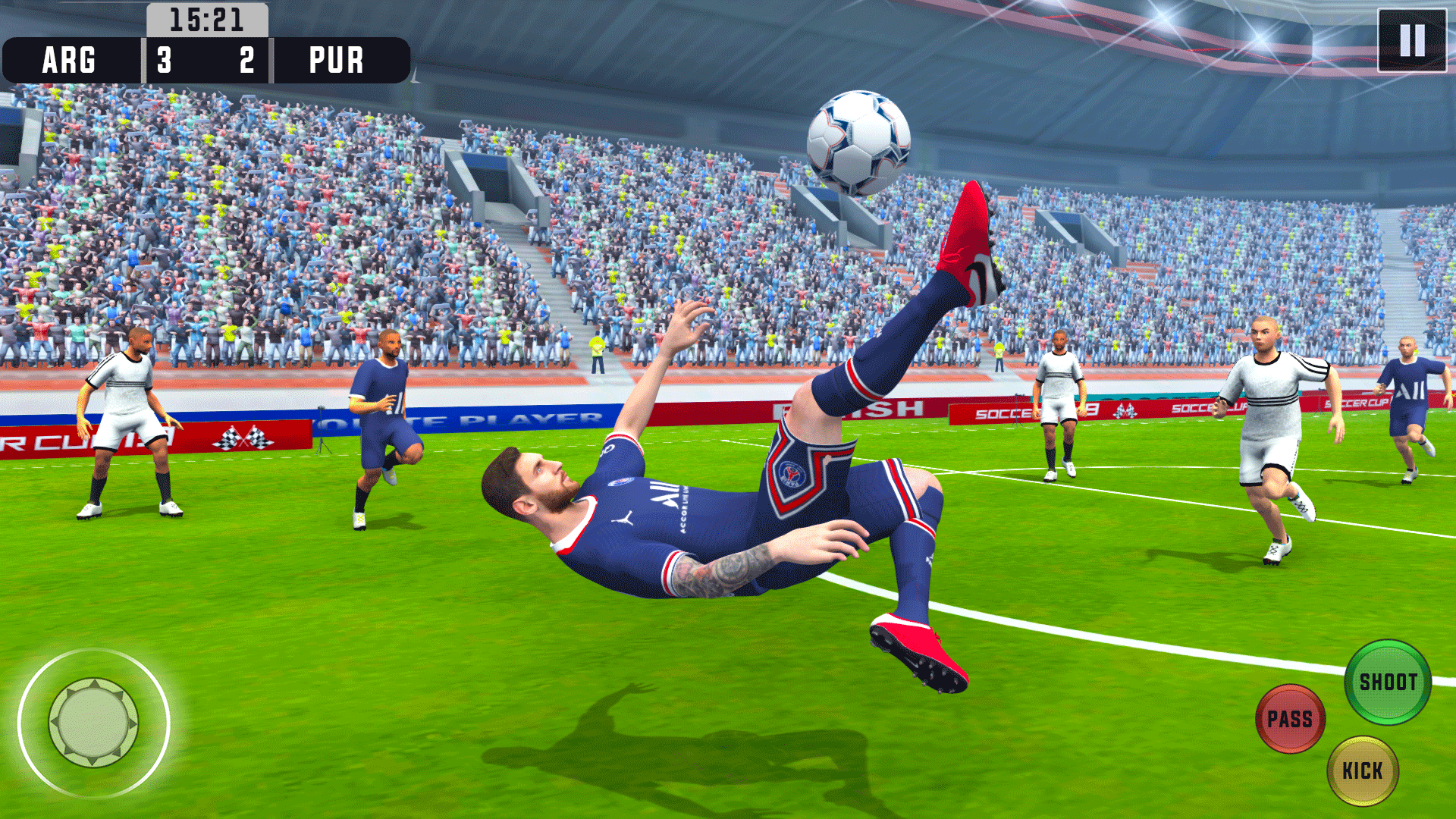
Ever dreamt of creating your own video game, a world brimming with captivating characters, intricate storylines, and thrilling gameplay? Turning that dream into reality requires more than just passion and creativity. It demands the right tools – the digital hammers, chisels, and paintbrushes that bring your vision to life.
Many aspiring game developers face hurdles. They struggle to navigate the complex landscape of software options, often feeling overwhelmed by the sheer number of choices. Knowing where to start, understanding the capabilities of different programs, and figuring out how they all fit together can be a monumental task, potentially stifling creativity and hindering progress.
This blog post is your guide to understanding the essential software used in game development. We'll break down the different categories of tools, highlighting popular choices and explaining how they contribute to the overall game creation process. Whether you're an indie developer embarking on your first project or an experienced creator looking to expand your toolkit, this resource will help you make informed decisions and streamline your workflow.
This article explores the crucial role of game development tools, encompassing game engines, art and animation software, audio tools, and level design programs. It emphasizes their impact on efficiency, creativity, and overall project success. By understanding these tools and their functionalities, developers can create better games more efficiently.
Game Engines: The Heart of Your Game
Game engines are the central nervous system of any game. They provide the core functionality for rendering graphics, handling physics, managing input, and scripting game logic. Choosing the right engine is a critical decision, as it will impact the entire development process. I remember when I first started experimenting with game development, I was immediately drawn to the visual scripting system in a popular engine. The drag-and-drop interface made it seem incredibly accessible, and I was able to create a simple platformer prototype within a few days. However, as the project grew in complexity, I quickly realized the limitations of visual scripting. I was spending more time wrestling with the node graph than actually writing code, and I felt like I was constantly hitting walls. This experience taught me the importance of choosing an engine that aligns with my skill set and the scope of my project. It also highlighted the value of learning to code, as it opened up a whole new world of possibilities and allowed me to overcome the limitations of visual scripting. Popular engines include Unity, known for its versatility and large asset store, Unreal Engine, favored for its stunning visuals and powerful features, and Godot Engine, an open-source option gaining popularity for its ease of use and focus on 2D game development. Each engine has its own strengths and weaknesses, so it's essential to research and experiment to find the best fit for your needs. Key features to consider include scripting language, rendering capabilities, asset pipeline, and community support.
Art and Animation Software: Bringing Your World to Life
Visuals are paramount in creating immersive and engaging games. Art and animation software provide the tools to design characters, environments, and special effects. These programs range from raster-based editors for creating pixel art and textures to vector-based tools for designing logos and user interfaces. 3D modeling software is essential for creating characters, props, and environments in three-dimensional games. Animation tools allow you to breathe life into your creations, bringing movement and personality to your characters and objects. Some popular options include Adobe Photoshop for raster graphics editing, Autodesk Maya and Blender for 3D modeling and animation, and Aseprite for pixel art creation. Choosing the right software depends on your artistic style, budget, and experience level. For instance, a beginner might find Blender, a free and open-source 3D modeling software, to be a good starting point, while a professional might prefer the more advanced features of Maya. Texturing software like Substance Painter allows you to add realistic details and materials to your 3D models, enhancing their visual fidelity.
Audio Tools: Immersing Players in Sound
Sound plays a crucial role in creating an immersive and engaging game experience. Audio tools encompass a range of software used for creating, editing, and implementing sound effects, music, and voiceovers. Digital Audio Workstations (DAWs) are used for composing and arranging music, while sound effect libraries provide a vast collection of pre-made sounds that can be used in your game. Middleware solutions, like FMOD and Wwise, allow you to integrate audio into your game engine and control how sounds are played and mixed. The history of audio in games is fascinating, evolving from simple beeps and blips to complex orchestral scores and realistic soundscapes. In the early days of video games, limited processing power meant that audio was often an afterthought. However, as technology advanced, developers began to realize the power of sound in enhancing the player's experience. Today, audio is an integral part of game design, with dedicated sound designers and composers working to create immersive and believable soundscapes. One common misconception is that you need expensive equipment to create professional-quality audio. While high-end microphones and software can certainly improve the quality of your sound, it's possible to create excellent audio using affordable tools and a little bit of creativity. The key is to focus on capturing clean recordings, using proper mixing techniques, and understanding the principles of sound design.
Level Design Tools: Crafting Engaging Worlds
Level design tools are used to create and edit the environments in which your game takes place. These tools allow you to place objects, create terrains, and define gameplay areas. Some game engines, like Unity and Unreal Engine, have built-in level editors, while others require the use of external tools. Level design is more than just creating visually appealing environments. It's about crafting gameplay experiences that are challenging, rewarding, and engaging. A good level designer will carefully consider the player's path through the level, the placement of enemies and obstacles, and the overall flow of the gameplay. The secret to great level design lies in iteration. It's rare to create a perfect level on the first try. Instead, you need to constantly playtest your levels, gather feedback, and make adjustments based on your observations. This iterative process allows you to fine-tune the gameplay experience and create levels that are both fun and challenging. One hidden technique used by professional level designers is the concept of "environmental storytelling." This involves using the environment to convey information about the game's story, characters, and world. For example, a dilapidated building might suggest a history of conflict, while a strategically placed object might hint at a hidden path or secret area. By using environmental storytelling, you can create levels that are not only visually appealing but also rich in narrative depth.
Code Editors and IDEs: Writing the Logic
While visual scripting tools offer a beginner-friendly approach, code editors and Integrated Development Environments (IDEs) are essential for writing more complex game logic and custom scripts. These tools provide features like syntax highlighting, code completion, debugging, and version control integration. Choosing the right code editor or IDE depends on your preferred programming language and development workflow. Visual Studio is a popular choice for C# developers using Unity, while Visual Studio Code is a versatile editor that supports a wide range of languages. For Python developers, Py Charm is a powerful IDE with excellent debugging and code completion features. Recommendation for game developers is to learn the fundamentals of programming. While visual scripting can be a useful tool for prototyping and simple tasks, a solid understanding of programming concepts will allow you to create more complex and sophisticated games. Another recommendation is to use version control systems like Git to manage your code. Version control allows you to track changes to your code, collaborate with other developers, and easily revert to previous versions if something goes wrong. Finally, it's important to regularly test your code and debug any errors that you find. Debugging can be a frustrating process, but it's essential for ensuring that your game runs smoothly and without bugs. There are many resources available online to help you learn how to debug code, so don't be afraid to ask for help when you get stuck.
The Importance of Version Control
Version control systems like Git are indispensable for any serious game development project, especially when working in a team. They allow you to track changes to your code, collaborate with other developers seamlessly, and easily revert to previous versions if something goes wrong. Imagine working on a complex feature for weeks, only to accidentally introduce a bug that breaks the entire game. With version control, you can simply revert to a previous version of your code and start again, minimizing the damage and saving you valuable time and effort. Furthermore, version control facilitates collaboration by allowing multiple developers to work on the same project simultaneously without overwriting each other's changes. Each developer can create their own branch, work on their feature in isolation, and then merge their changes back into the main branch when they're ready. This ensures that everyone is working with the latest version of the code and reduces the risk of conflicts. Learning to use a version control system like Git is an investment that will pay off handsomely in the long run. It will improve your workflow, reduce the risk of errors, and make it easier to collaborate with other developers.
Project Management Tools: Staying Organized
Game development is a complex process involving multiple disciplines, from art and design to programming and audio. Project management tools help you stay organized, track progress, and manage deadlines. These tools provide features like task management, bug tracking, and team communication. Some popular options include Trello, Asana, and Jira. Tips on project management tools for game developers is to choose a tool that fits your team's size and workflow. A small indie team might find Trello to be sufficient, while a larger studio might need the more robust features of Jira. Break down your project into smaller, manageable tasks. This will make it easier to track progress and identify potential roadblocks. Set realistic deadlines for each task and assign them to specific team members. Regularly review your progress and adjust your plan as needed. Communication is key to successful project management. Make sure everyone on the team is aware of their responsibilities and deadlines, and encourage them to communicate any issues or concerns. Use your project management tool to track bugs and issues. This will help you prioritize bug fixes and ensure that they are addressed in a timely manner.
Prioritizing Tasks Effectively
One of the biggest challenges in game development is managing the sheer number of tasks that need to be completed. Effective prioritization is crucial for staying on track and avoiding burnout. A simple technique is to use a matrix that categorizes tasks based on their urgency and importance. Urgent and important tasks should be tackled immediately, while important but not urgent tasks should be scheduled for later. Urgent but not important tasks can be delegated to someone else, and neither urgent nor important tasks should be eliminated or postponed indefinitely. Another useful technique is to use the "Pareto principle," also known as the 80/20 rule. This principle states that 80% of your results come from 20% of your efforts. By identifying the 20% of tasks that have the biggest impact on your project, you can focus your efforts on those tasks and maximize your productivity. Finally, it's important to be flexible and adapt your priorities as needed. Game development is an iterative process, and things can change quickly. Be prepared to adjust your plan and reprioritize tasks based on new information or changing circumstances.
Fun Facts About Game Development Tools
Did you know that the original Doom was created using a custom-built level editor called "Ne XTedit" on a Ne XT computer? This was quite cutting-edge for its time! Or that the first version of Unity was developed in just three weeks? The initial focus was on making it easier for Mac users to create 3D games. Unreal Engine, known for its visual fidelity, actually started as a 3D first-person shooter game engine. Its first use was in the game "Unreal" in 1998. Many iconic games have pushed the limits of the tools available at the time, leading to innovations in game development technology. Understanding the history of these tools can offer insight into the evolution of the industry and inspire new approaches. For example, the limitations of early hardware led to creative solutions in pixel art and chiptune music, styles that are still celebrated today. Furthermore, the open-source nature of many game development tools has fostered a collaborative environment where developers can share knowledge and contribute to the advancement of the field. This collaborative spirit is one of the reasons why the game development community is so vibrant and innovative. In addition to the established game engines, there's a growing ecosystem of specialized tools designed for specific genres or platforms. These tools can streamline the development process and make it easier to create high-quality games in niche markets.
How to Choose the Right Tools
Selecting the right game development tools depends heavily on the scope of your project, your budget, your team's skillset, and your target platform. Start by defining the type of game you want to create, considering its genre, art style, and gameplay mechanics. Research different game engines that are well-suited for your chosen genre. For example, if you're creating a 2D platformer, Godot Engine might be a better choice than Unreal Engine. Evaluate your team's skillset and choose tools that they are comfortable using or willing to learn. It's often better to stick with tools that your team already knows than to try to learn a new tool from scratch, especially if you're working under a tight deadline. Consider your budget and choose tools that are affordable for you. There are many free and open-source game development tools available, so you don't necessarily need to spend a lot of money to get started. Think about your target platform and choose tools that support it. Some game engines are better suited for mobile development, while others are better suited for PC or console development. Experiment with different tools and find the ones that work best for you. There's no one-size-fits-all solution, so it's important to try out different options and see what feels most comfortable and efficient. Don't be afraid to ask for advice from other game developers. The game development community is very supportive, and there are many forums and online communities where you can ask questions and get help. Attend game development conferences and workshops to learn about new tools and techniques.
What If You Don't Use the Right Tools?
Using the wrong game development tools can lead to a variety of problems, including increased development time, reduced quality, and team frustration. Imagine trying to build a house with only a screwdriver and a hammer. You might eventually get the job done, but it would take much longer and the results wouldn't be as good as if you had used the right tools. Similarly, using the wrong game development tools can make it difficult to create the game you envision, leading to compromises in quality and scope. It can also lead to increased development time, as your team struggles to overcome the limitations of the tools. This can result in missed deadlines, budget overruns, and team burnout. Furthermore, using the wrong tools can lead to team frustration, as developers struggle to work with tools that are not well-suited for their tasks. This can lead to decreased morale and productivity. For example, imagine trying to create a complex 3D model using a simple 2D drawing program. It would be a frustrating and time-consuming experience, and the results would likely be subpar. Ultimately, choosing the right game development tools is an investment in your project's success. By carefully considering your needs and choosing tools that are well-suited for your tasks, you can streamline your development process, improve the quality of your game, and keep your team happy and productive.
Essential Game Development Tools: A Listicle
Let's create a handy list for all those eager to jump into game creation:
- Game Engines: Unity, Unreal Engine, Godot Engine
- 3D Modeling: Blender, Maya,
- 2D Art: Aseprite, Adobe Photoshop
- Audio Editing: Audacity, FL Studio
- Level Design: (Engine Specific Editors, or Tiled)
- Code Editors: Visual Studio Code, Sublime Text
- Project Management: Trello, Asana
Each category holds a wealth of options, so explore what suits your style and budget. Don't be afraid to experiment, and remember that the best tool is the one you feel most comfortable and efficient with. Start with free trials or open-source alternatives to test the waters before committing to a purchase. Also, consider the community support and available resources for each tool. A strong community can provide invaluable assistance and guidance as you learn and develop your game.
Question and Answer About Game Development Tools
Q: What's the most important tool for a beginner game developer?
A: A game engine! Start with something beginner-friendly like Godot or Unity with visual scripting.
Q: Do I need to be an artist to make a game?
A: Not necessarily. You can use placeholder art, find free assets, or collaborate with an artist.
Q: Is it expensive to get started with game development?
A: Not really. There are many free and open-source tools available.
Q: How long does it take to learn game development?
A: It depends on your dedication and the complexity of the games you want to create. Start small and build your skills gradually.
Conclusion of Game Development Tools
Selecting the proper game creation tools is a pivotal moment for any developer. From the foundational game engine to the specialized software for art, audio, and project management, each element plays a vital role in shaping the final product. Making informed choices about these tools can significantly enhance efficiency, boost creative output, and contribute to the overall triumph of the game. Remember, the optimal tools are those that resonate with your unique requirements, expertise, and artistic vision, empowering you to craft immersive and captivating gaming experiences.
Post a Comment