Mastering Game Audio: Final Audio Production for Games
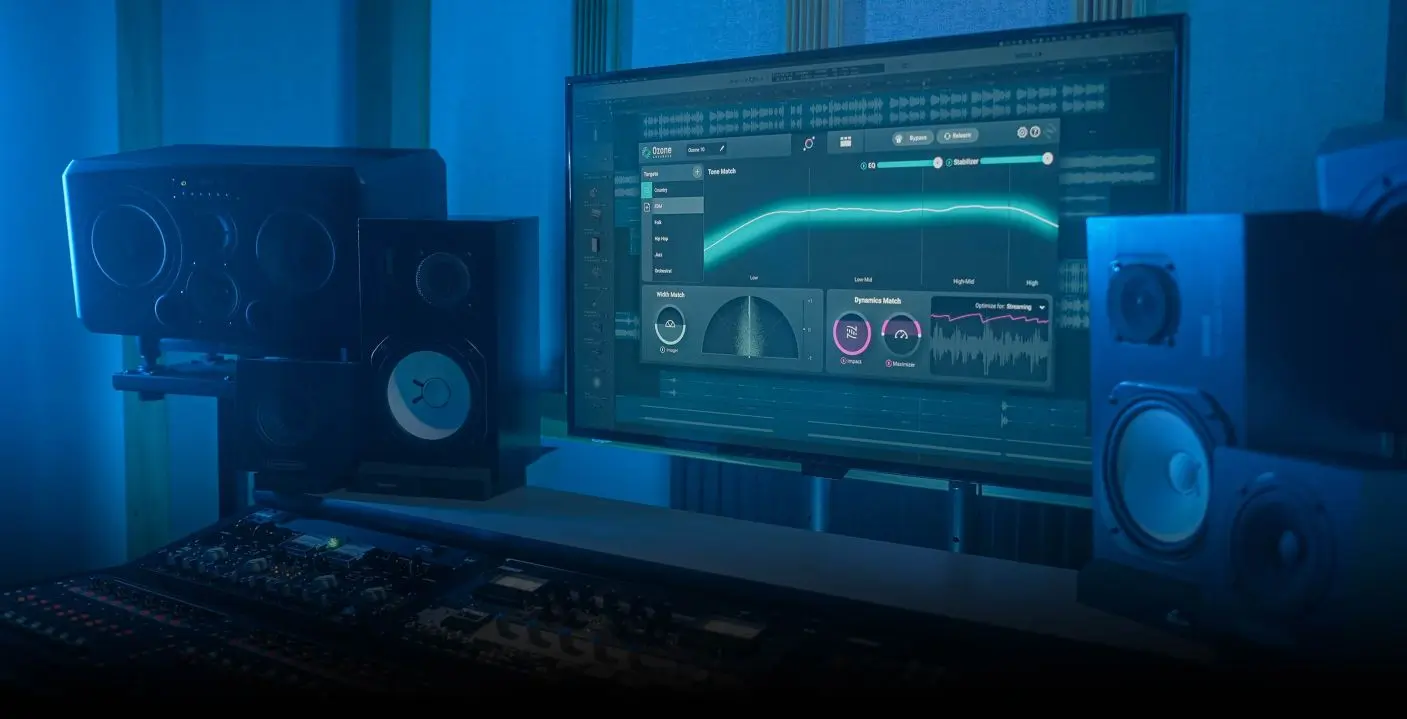
Imagine a game with stunning visuals, compelling gameplay, and a story that grips you from the start. But what if the audio falls flat? A jarring mix, unbalanced levels, and a lack of polish can shatter the immersion, leaving players feeling disconnected and underwhelmed. The final audio production is the key to unlocking the full potential of your game.
Many developers face challenges when it comes to that final stage of audio refinement. It's not just about making things loud; it's about achieving a cohesive, balanced, and impactful soundscape. Juggling multiple audio assets, ensuring consistency across different platforms, and understanding the intricacies of loudness standards can feel overwhelming, leading to inconsistent audio experiences that detract from the overall quality of the game.
This article aims to guide you through the critical process of final audio production for games, often referred to as mastering. We'll explore essential techniques, tools, and best practices to ensure your game sounds its absolute best, creating a truly immersive and engaging experience for your players. We'll delve into topics like dynamic range control, EQ adjustments, loudness normalization, and platform-specific considerations, providing you with the knowledge and skills to elevate your game's audio to a professional level.
This article covers the process of final audio production, or mastering, for video games. We'll cover the crucial steps, tools, and considerations necessary to take your game's audio from good to exceptional. Key topics will include dynamic range, EQ, loudness, and platform-specific requirements. By mastering these techniques, you can guarantee an immersive and impactful audio experience that enhances gameplay and keeps players engaged.
The Importance of Dynamic Range Control
Dynamic range control is the process of managing the difference between the loudest and quietest parts of your game's audio. A wider dynamic range can sound more natural and realistic, but it can also be problematic in a game environment where players might be using different playback systems with varying capabilities. Personally, I remember working on a small indie game where we initially aimed for a very wide dynamic range. The environmental sounds were incredibly subtle and immersive on high-end headphones, but when players tested the game on their laptops or mobile devices, those same sounds were practically inaudible. It became clear we needed to reign in the dynamic range to ensure the game sounded good across all platforms.
Effective dynamic range control allows you to create a more consistent listening experience. Tools like compressors, limiters, and expanders are essential for this task. Compressors reduce the dynamic range by attenuating loud signals, while expanders increase the dynamic range by attenuating quiet signals. Limiters prevent the audio from exceeding a certain level, which is crucial for avoiding distortion. Finding the right balance is key. You want to retain enough dynamic range to maintain the impact of key sound effects and musical cues, but you also need to ensure that quieter sounds are still audible in busy game environments. This involves careful listening, experimentation, and a good understanding of the target platform's audio capabilities. Think of it as sculpting the audio to fit the game's overall aesthetic and ensure it translates well across different playback systems.
Understanding Loudness Normalization
Loudness normalization is the process of adjusting the overall loudness of your game's audio to a specific target level. This is important for ensuring consistency across different games, platforms, and playback systems. Without proper loudness normalization, your game might sound significantly louder or quieter than other games, which can be jarring for players. Different platforms have different loudness standards, so it's crucial to understand the specific requirements for each platform you're targeting. For example, console games often adhere to stricter loudness standards than mobile games.
The goal of loudness normalization isn't just to make things loud; it's about achieving a consistent perceived loudness. This involves measuring the integrated loudness of your game's audio using tools like loudness meters. These meters typically measure loudness in LUFS (Loudness Units relative to Full Scale). Once you've measured the integrated loudness, you can use a gain adjustment to bring it to the target level. It's important to note that simply increasing the gain can introduce clipping and distortion, so it's often necessary to use a limiter to prevent the audio from exceeding the maximum level. Proper loudness normalization ensures that your game sounds balanced and professional, regardless of the playback system being used. It also helps to prevent players from constantly adjusting the volume, which can disrupt their immersion in the game.
History and Myth of Final Audio Production
The history of audio mastering, and specifically final audio production for games, is intertwined with the evolution of audio technology itself. Early video games had very limited audio capabilities, often relying on simple waveforms and basic sound effects. Mastering in those days was more about squeezing the most out of those limitations rather than complex signal processing. As technology advanced, so did the complexity of game audio. The introduction of digital audio workstations (DAWs) and sophisticated audio plugins opened up a world of possibilities for shaping and refining game audio.
One common myth surrounding audio mastering is that it's a magical process that can fix any audio problems. While mastering can certainly improve the overall sound of your game, it's not a substitute for good mixing and sound design. If the individual audio assets are poorly recorded or mixed, mastering can only do so much. Another myth is that mastering is simply about making things louder. While loudness is certainly a factor, the primary goal of mastering is to achieve a balanced, consistent, and impactful sound that enhances the overall gaming experience. The truth is that mastering is a subtle art that requires a keen ear, technical expertise, and a deep understanding of the target platform's audio capabilities. It's about making informed decisions that elevate the game's audio to its full potential.
Hidden Secrets of Mastering Game Audio
One of the hidden secrets of mastering game audio lies in understanding the importance of psychoacoustics. Psychoacoustics is the study of how humans perceive sound. By understanding how our brains interpret different frequencies and loudness levels, you can make more informed decisions during the mastering process. For example, the Fletcher-Munson curves illustrate how our perception of loudness varies at different frequencies. This means that certain frequencies might sound louder than others, even if they're at the same level. By understanding these principles, you can tailor your mastering decisions to create a more pleasing and impactful listening experience.
Another hidden secret is the importance of subtle adjustments. Mastering is often about making small, incremental changes that add up to a significant improvement in the overall sound. Overly aggressive EQ adjustments or compression can often sound unnatural and detract from the game's audio. Instead, focus on making subtle tweaks that enhance the clarity, balance, and impact of the audio. This requires a keen ear and the ability to hear small differences in sound. It's also important to listen to your game's audio on different playback systems to ensure that it sounds good across a variety of devices. Mastering is an iterative process that requires patience, attention to detail, and a willingness to experiment.
Recommendations for Mastering Game Audio
If you're serious about mastering game audio, I highly recommend investing in a good pair of studio headphones or monitor speakers. Accurate monitoring is essential for making informed decisions during the mastering process. Consumer-grade headphones and speakers often color the sound, making it difficult to hear subtle nuances and imbalances. Studio headphones and monitor speakers are designed to provide a flat and neutral frequency response, allowing you to hear the audio as accurately as possible.
Another recommendation is to familiarize yourself with industry-standard mastering plugins. Plugins like i Zotope Ozone, Fab Filter Pro-Q 3, and Waves L3-16 are widely used in the audio industry and offer a comprehensive set of tools for mastering. These plugins provide features like EQ, compression, limiting, stereo imaging, and metering. While these plugins can be expensive, they're well worth the investment if you're serious about improving your mastering skills. Finally, don't be afraid to seek feedback from other audio professionals. Getting a fresh perspective on your mastering work can help you identify areas for improvement and ensure that your game sounds its best.
The Role of EQ in Final Audio Production
Equalization (EQ) plays a vital role in shaping the frequency balance of your game's audio during the final production stage. It involves adjusting the level of different frequencies to create a more balanced, clear, and impactful sound. EQ can be used to correct problems in the original audio recordings, such as removing unwanted resonances or reducing muddiness. It can also be used creatively to enhance certain frequencies and create a more pleasing sonic character. For example, you might boost the high frequencies to add clarity and sparkle to the sound or cut the low frequencies to reduce rumble and boominess.
Effective EQ requires a good understanding of frequency ranges and how they affect the overall sound. Low frequencies typically contribute to the fullness and warmth of the sound, while mid frequencies provide the body and presence. High frequencies add clarity, sparkle, and air. It's important to use EQ sparingly and avoid making overly aggressive adjustments, as this can often sound unnatural. Instead, focus on making subtle tweaks that improve the overall balance and clarity of the audio. A useful technique is to use a narrow band EQ to sweep through the frequency spectrum and identify any problem areas. Once you've identified a problem frequency, you can use a wider band EQ to make more subtle adjustments. Always remember to listen to your EQ adjustments in context with the rest of the game's audio to ensure that they sound cohesive and balanced.
Tips for Mastering Game Audio
One of the most important tips for mastering game audio is to listen critically and objectively. It's easy to become attached to your own work, but it's crucial to be able to step back and evaluate the audio with fresh ears. Take breaks frequently to avoid ear fatigue and listen to your game's audio on different playback systems to get a more accurate representation of how it will sound to players.
Another tip is to pay attention to detail. Mastering is often about making small, incremental changes that add up to a significant improvement in the overall sound. Don't be afraid to spend time fine-tuning your EQ, compression, and other processing settings. The more time and effort you put into mastering, the better your game will sound. It's also important to be aware of the limitations of mastering. Mastering can't fix fundamental problems in the original audio recordings or mixes. If your audio assets are poorly recorded or mixed, mastering can only do so much. It's always best to start with high-quality audio assets and mixes to ensure the best possible results.
Platform-Specific Considerations in Mastering
When mastering game audio, it's crucial to consider the specific requirements of each platform you're targeting. Different platforms have different audio capabilities and limitations, which can significantly impact the final sound of your game. For example, mobile devices typically have smaller speakers and less powerful amplifiers than consoles or PCs. This means that you might need to adjust your mastering settings to compensate for these limitations. You might need to increase the overall loudness of the audio or reduce the dynamic range to ensure that it sounds good on mobile devices.
Consoles often have stricter loudness standards than mobile devices, so it's important to adhere to these standards to avoid audio clipping or distortion. You'll need to use a loudness meter to measure the integrated loudness of your game's audio and adjust it to the target level. It's also important to test your game's audio on the target platform to ensure that it sounds good and meets the platform's requirements. This might involve using a development kit or testing the game on a retail console. By considering the platform-specific requirements in your mastering process, you can ensure that your game sounds its best on every device.
Fun Facts About Mastering Game Audio
Did you know that the term "mastering" originally referred to the process of creating a master copy of a vinyl record? The master copy was used to create all subsequent copies of the record. In the early days of game audio, mastering was a much simpler process due to the limitations of the technology. Early video games often used simple waveforms and basic sound effects, so mastering was more about optimizing the audio for these limitations than complex signal processing.
One fun fact is that the loudness war, which refers to the trend of increasing the loudness of music recordings over time, has also affected game audio. Some game developers have tried to make their games louder than others to stand out, but this can often result in a fatiguing and unpleasant listening experience. Another interesting fact is that the rise of virtual reality (VR) has created new challenges for game audio mastering. VR games require highly immersive and realistic audio to create a believable experience, so mastering for VR often involves using specialized techniques like binaural audio and spatial audio processing. Mastering game audio is a constantly evolving field, with new technologies and techniques emerging all the time. It's an exciting and challenging field that requires a combination of technical skills, creative vision, and a deep understanding of the gaming experience.
How to Master Game Audio
Mastering game audio is a multi-step process that involves careful planning, execution, and evaluation. The first step is to gather all of your game's audio assets, including music, sound effects, and dialogue. It's important to ensure that these assets are well-organized and properly labeled. The next step is to listen to the audio assets critically and identify any problems, such as imbalances, resonances, or noise. Once you've identified the problems, you can begin to use EQ, compression, and other processing tools to correct them.
It's important to make subtle adjustments and avoid making overly aggressive changes, as this can often sound unnatural. After you've made your adjustments, you need to measure the integrated loudness of your game's audio using a loudness meter. Adjust the overall gain to bring it to the target level for your target platform. Finally, it's crucial to test your game's audio on different playback systems to ensure that it sounds good across a variety of devices. This might involve using studio headphones, monitor speakers, or even consumer-grade headphones and speakers. Mastering is an iterative process, so don't be afraid to go back and make further adjustments if necessary. With patience, attention to detail, and a good understanding of the tools and techniques involved, you can master your game's audio and create a truly immersive and engaging experience for your players.
What If... Mastering Game Audio?
What if you completely ignored mastering your game audio? The most immediate consequence would be a lack of consistency. Some sounds might be incredibly loud and jarring, while others would be barely audible. Imagine a crucial dialogue scene drowned out by the ambient background noise, or a powerful explosion that sounds like a mere pop. This inconsistent audio would break the player's immersion and make it difficult to follow the game's narrative or gameplay.
Furthermore, without proper mastering, your game might sound unprofessional and unpolished. It could lack the clarity, balance, and impact that are necessary to create a truly engaging experience. This could negatively impact the player's perception of your game and make it less likely to be recommended to others. In a competitive market where players have countless options, a poorly mastered game could easily be overlooked in favor of one with a more polished and professional sound. Mastering game audio is an investment in the overall quality of your game. It's a crucial step that can make the difference between a good game and a great one.
Listicle: 5 Key Steps to Mastering Game Audio
1.Gather and Organize Your Audio Assets: Before you begin, ensure all music, sound effects, and dialogue are readily accessible and well-organized. Proper labeling and file management are crucial for a smooth workflow.
2.Critical Listening and Problem Identification: Use a keen ear to identify imbalances, resonances, or noise in your audio. This step helps you pinpoint areas that require improvement during the mastering process.
3.Subtle Adjustments with EQ and Compression: Employ EQ, compression, and other processing tools to make subtle adjustments. Avoid overly aggressive changes, which can often sound unnatural and detract from the overall quality.
4.Loudness Normalization and Metering: Measure the integrated loudness of your game's audio using a loudness meter. Adjust the overall gain to meet the target level for your chosen platform, ensuring consistent perceived loudness.
5.Platform-Specific Testing and Iteration: Test your game's audio on different playback systems and platforms. Iterate on your mastering settings based on the feedback you receive to achieve the best possible sound across various devices.
Question and Answer Section
Q: What is the difference between mixing and mastering in game audio?
A: Mixing involves blending all the individual audio elements (music, sound effects, dialogue) into a cohesive whole. Mastering, on the other hand, is the final polish applied to the entire mix to ensure consistency, balance, and optimal loudness for the target platform.
Q: Do I need specialized software for mastering game audio?
A: While not strictly required, specialized mastering software like i Zotope Ozone or Fab Filter Pro-Q 3 can provide advanced tools for EQ, compression, limiting, and metering, making the mastering process more efficient and precise.
Q: How important is it to test my game's audio on different devices?
A: Testing on different devices is extremely important. Audio playback can vary significantly between headphones, speakers, and different platforms (mobile, console, PC). Testing helps you identify any issues and ensure your game sounds good across a wide range of systems.
Q: What is loudness normalization, and why is it important?
A: Loudness normalization is the process of adjusting the overall loudness of your game's audio to a specific target level. It's important to ensure consistency across different games and platforms, preventing jarring volume jumps and providing a more enjoyable listening experience for players.
Conclusion of Mastering Game Audio
Final audio production, or mastering, is often the unsung hero of great game development. It's the final layer of polish that brings all the audio elements together, creating a cohesive, immersive, and engaging soundscape. By understanding and applying the principles of dynamic range control, EQ adjustments, loudness normalization, and platform-specific considerations, you can elevate your game's audio to a professional level and create an unforgettable experience for your players. Don't underestimate the power of well-mastered audio—it can make all the difference in the success of your game.
Post a Comment