Reverb Zones Tutorial: Environmental Audio Effects
Ever walked into a cathedral and noticed how your voice echoes differently than it does in your living room? That's the magic of environmental audio effects at work, and reverb zones are the key to recreating that magic in your games and interactive experiences. Prepare to dive deep into the world of immersive soundscapes!
Crafting truly believable audio environments can be a challenge. Without the right tools, audio can sound flat and lifeless, stripping away the sense of realism and immersion that pulls players into your world. Creating realistic spaces that sounds realistic and engaging.
This tutorial aims to provide a comprehensive guide to understanding and implementing reverb zones to create dynamic and believable audio environments. We'll explore the concepts, practical implementation, and creative possibilities of using reverb zones to enhance the overall audio experience in your projects. Whether you're a seasoned sound designer or just starting your audio journey, this guide will provide you with the knowledge and tools needed to create immersive audio experiences.
We'll explore the fundamentals of reverb, delve into the specifics of defining and implementing reverb zones, and offer practical tips and tricks for maximizing their impact. Get ready to elevate your audio design game and transport your audience to new and exciting sonic landscapes. Expect to explore reverb zones, environmental audio effects, sound design, game audio, and audio implementation.
Understanding Reverb Fundamentals
My first real experience with appreciating reverb happened in an abandoned cistern I found while exploring a nearby park as a kid. The sound of just dropping a small pebble created this haunting, echoing sensation that seemed to hang in the air for an eternity. It was mesmerizing! That day, I realized how much reverb contributes to creating a sense of space and depth. It wasn’t just about the sound; it was about feeling like I was somewhere trulythere. Reverb is essentially the collection of reflected sounds that reach our ears after the initial sound has been produced. These reflections bounce off various surfaces in the environment, creating a complex and ever-changing sonic texture. Understanding the key parameters of reverb, such as decay time (how long the reverb lasts), diffusion (how evenly the reflections are spread out), and density (how many reflections there are), is crucial for shaping the overall sonic character of your environment. Reverb is made up of a lot of different elements, so the more you understand about it, the better you'll be at sound design for your games.
Defining and Implementing Reverb Zones
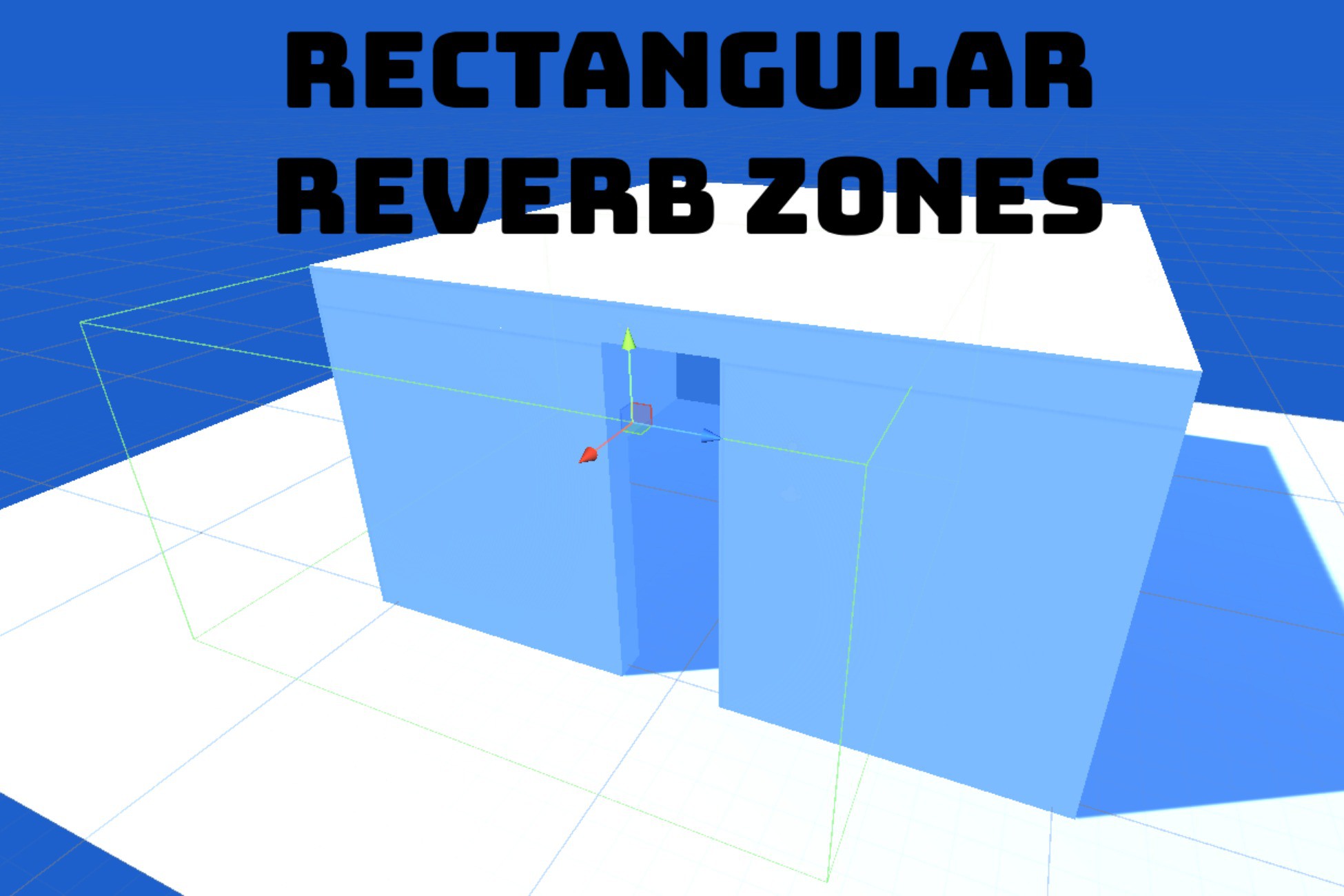
Reverb zones act as defined areas within your virtual world where specific reverb characteristics are applied to sound sources. They are essentially invisible volumes that, when a sound source enters, trigger the application of a pre-determined reverb effect. This allows you to create distinct acoustic environments within your game, such as a cavern with a long, echoing reverb or a small, enclosed room with a short, tight reverb. Implementation typically involves using a game engine's built-in audio system or a dedicated audio middleware solution. You'll need to define the boundaries of your reverb zones, assign specific reverb parameters to each zone, and then ensure that your game engine correctly routes audio sources through the appropriate zone based on their position. This is where a lot of the magic happens! It's all about setting up the zone to mimic what sound design you're trying to create.
The History and Myth of Reverb Zones
The concept of simulating reverberation has roots that go back to the early days of audio recording. Engineers initially experimented with physical spaces, like chambers with reflective surfaces, to create natural reverb effects. As technology advanced, mechanical and then electronic devices were developed to simulate reverb, such as plate reverbs and spring reverbs. These early techniques were groundbreaking but often limited in their realism and flexibility. It wasn't until the advent of digital signal processing (DSP) that truly realistic and customizable reverb effects became possible. This paved the way for the development of reverb zones as we know them today, allowing game developers and sound designers to create highly detailed and immersive audio environments. There's some myth that older methods of reverb sounds better, but there's a reason the industry moved to DSP!
Hidden Secrets of Reverb Zones
One of the less obvious, but incredibly powerful, aspects of reverb zones is their ability to create a sense of distance and direction. By carefully manipulating reverb parameters, you can make sounds appear farther away or closer, and even subtly hint at the direction from which they are originating. Experiment with different reverb decay times and diffusion settings to create a sense of spaciousness and depth in your environments. Another secret lies in layering multiple reverb zones. You can create a more complex and nuanced sonic landscape by overlapping several zones with different reverb characteristics. For example, you could have a large, general-purpose reverb zone covering your entire level, and then smaller, more localized zones to add specific reverb effects to key areas. Be careful, though! Too many reverb zones can muddy your mix. Use the effect sparingly.
Reverb Zone Recommendations
My biggest recommendation for anyone starting out with reverb zones is to experiment. Don't be afraid to try different settings and see how they affect the sound. Start with simple shapes for your reverb zones, like boxes or spheres, and then gradually move on to more complex shapes as you become more comfortable. Pay close attention to how the reverb interacts with other audio elements in your scene, such as ambience, music, and sound effects. Also, take the time to listen to real-world environments and try to recreate their sonic characteristics using reverb zones. This will help you develop a better understanding of how reverb works and how to use it effectively. Try experimenting with things you know well, like your home, and compare it to the audio you're creating.
Advanced Reverb Zone Techniques
One advanced technique is to use scripting to dynamically adjust reverb parameters based on player actions or game events. For instance, you could increase the reverb decay time in a cave when the player triggers a landslide, creating a more dramatic and immersive experience. Another technique is to use occlusion and obstruction to simulate how sounds are muffled or blocked by objects in the environment. This can be achieved by using raycasting to determine if there is a direct line of sight between the sound source and the listener, and then adjusting the reverb parameters accordingly. You can also use audio middleware solutions to create more sophisticated reverb effects, such as convolution reverb, which uses recordings of real-world spaces to create highly realistic reverberation. These techniques can add a whole new level of depth and realism to your audio environments. Getting very specific with how sound travels around your world is important!
Tips for Effective Reverb Zone Usage
One key tip is to avoid overusing reverb. Too much reverb can make your audio sound muddy and indistinct. Use reverb sparingly and only where it is needed to enhance the sense of space and realism. Another tip is to pay attention to the frequency content of your reverb. You may need to EQ your reverb to prevent it from clashing with other audio elements in your scene. For example, you might want to roll off the low frequencies in your reverb to prevent it from muddying up your low-end. Finally, be sure to test your reverb zones thoroughly on different speakers and headphones to ensure that they sound good on all playback devices. Proper EQing on your reverb can really set you apart.
Optimizing Reverb Zone Performance
Reverb effects can be computationally expensive, especially when using complex algorithms or a large number of reverb zones. To optimize performance, consider using simpler reverb algorithms or reducing the number of reverb zones in your scene. You can also use techniques like distance-based attenuation to reduce the volume of reverb effects for distant sound sources. Another optimization technique is to bake reverb effects into your audio assets during the production process. This can significantly reduce the CPU load at runtime, but it also limits the flexibility of your reverb zones. Choose the optimization techniques that best suit your project's needs and performance constraints.
Fun Facts About Environmental Audio
Did you know that the human brain is incredibly sensitive to reverb? Our brains use reverb cues to determine the size and shape of a room, as well as the distance and direction of sound sources. This is why environmental audio effects are so important for creating a sense of realism and immersion in games and other interactive experiences. Another fun fact is that different materials have different reverb characteristics. For example, hard surfaces like concrete and tile tend to reflect sound more efficiently than soft surfaces like carpet and curtains. This is why a room with hard surfaces will have a longer reverb decay time than a room with soft surfaces. It's pretty wild to think about how even slight changes to an environment can impact how we perceive sound!
How to Create Believable Reverb Zones
Creating believable reverb zones requires a combination of technical skill and artistic sensibility. Start by carefully analyzing the real-world environments that you are trying to recreate. Pay attention to the size and shape of the space, the materials that it is made of, and the types of sounds that are typically heard in that environment. Then, use this information to guide your reverb zone design. Experiment with different reverb parameters until you achieve a sound that is both realistic and engaging. Don't be afraid to iterate and refine your reverb zones until they sound just right. Your efforts will be worth it in the end! Believable sounds are what can really set your project apart from the competition.
What if Reverb Zones Didn't Exist?
Imagine a game world devoid of realistic environmental audio. Every sound would feel flat and detached, lacking any sense of space or depth. The game world would feel lifeless and artificial. Without reverb zones, it would be impossible to create distinct acoustic environments within your game. Caves, forests, and cities would all sound the same, destroying any sense of immersion. Reverb zones are essential for creating believable and engaging audio experiences. Without them, your game would lack a crucial element that contributes to the overall sense of realism. The sounds in your game will make or break whether your audience enjoys the experience you're offering them.
Listicle of Reverb Zone Best Practices
1.Start with reference: Analyze real-world environments to understand their sonic characteristics.
2.Define zone boundaries: Carefully define the boundaries of your reverb zones to accurately represent the acoustic properties of your virtual space.
3.Experiment with parameters: Experiment with different reverb parameters like decay time, diffusion, and density.
4.Use EQ: Use EQ to prevent reverb from clashing with other audio elements.
5.Avoid overuse: Use reverb sparingly.
6.Test thoroughly: Test reverb zones on different speakers and headphones.
7.Optimize performance: Optimize your reverb setup to prevent performance issues.
8.Layer zones: Layer multiple reverb zones for a more complex sound.
9.Automate parameters: Use scripting to dynamically adjust reverb parameters.
10.Iterate and refine: Iterate and refine your reverb zones until they sound perfect.
Question and Answer
Q: What is the difference between reverb and echo?
A: Reverb is a collection of many closely spaced reflections, while echo is a distinct, delayed repetition of a sound.
Q: How many reverb zones should I use in my game?
A: Use as many as needed to create distinct acoustic environments, but avoid overuse to prevent muddiness.
Q: Can I use reverb zones to simulate outdoor environments?
A: Yes, but outdoor reverb tends to be more subtle than indoor reverb.
Q: What are some common mistakes to avoid when using reverb zones?
A: Overusing reverb, neglecting EQ, and not testing on different playback devices are common mistakes.
Conclusion of Reverb Zones Tutorial: Environmental Audio Effects
Mastering reverb zones can significantly elevate the quality of your audio design, creating immersive and believable soundscapes that enhance the overall experience for your audience. By understanding the fundamentals of reverb, carefully defining and implementing reverb zones, and following best practices, you can unlock the full potential of environmental audio effects and transport your audience to new and exciting sonic worlds. So go forth, experiment, and create amazing audio experiences!
Post a Comment